🎹 Integra7Control
A free standalone Windows application dedicated entirely to the Roland Integra-7 SuperNATURAL Sound Module.
Free Software
Your Integra-7, fully under control
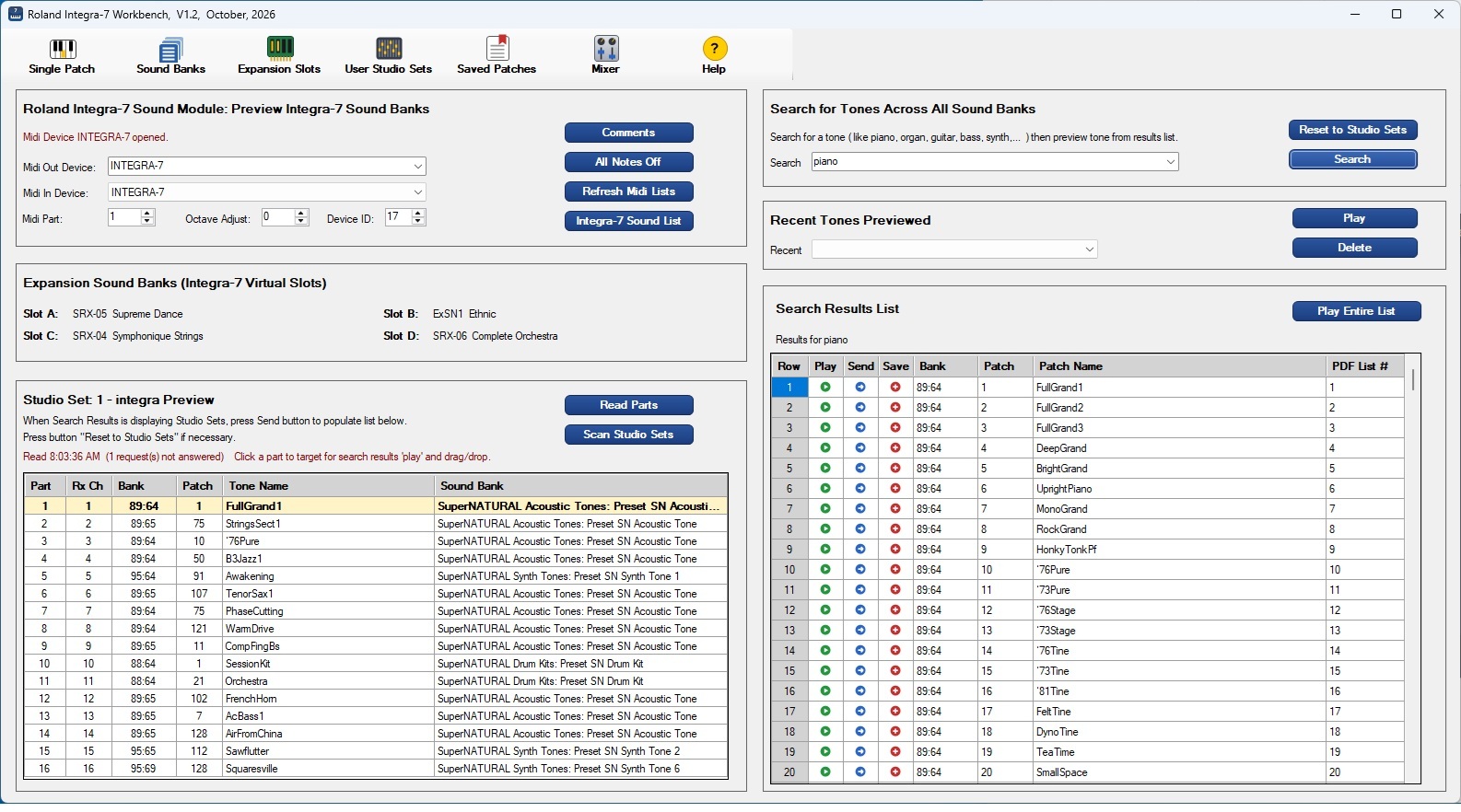
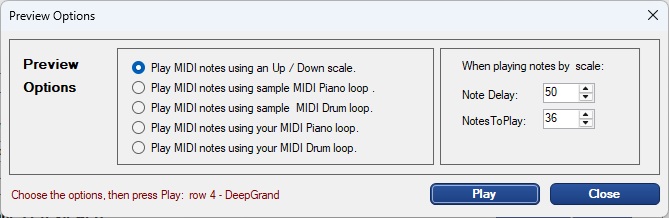
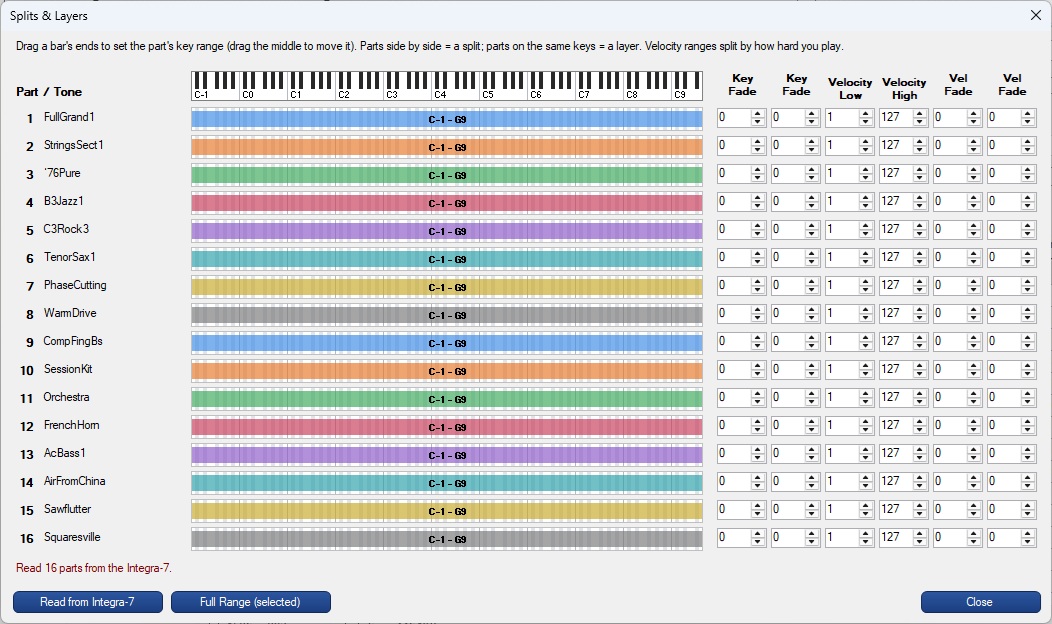
Integra7Control V1.4 is a free dedicated Windows workbench for the Roland Integra-7 SuperNATURAL Sound Module. Browse all 6,000+ tones, build and manage personal Studio Sets with a full 16-part mixer, preview any patch instantly — choose from an up/down scale, a built-in sample loop, or your own MIDI piano or drum loop — and save your favourites for one-click recall — all without touching the Integra-7 front panel. Managing User Studio Sets — the named instrument collections that map directly to your DAW's MIDI channels — is dramatically simpler in Integra7Control than in any other software available for the Integra-7.
- Complete Roland Integra-7 tone list — all 6,000+ SuperNATURAL patches, searchable by name, bank or category
- Instant patch preview — Play button sends any tone to the Integra-7 and previews it by scale, MIDI loop, or sample loop
- Play Entire List — audition every search result in sequence automatically
- Drag and drop — drag any tone from search results directly onto a Studio Set part
- Studio Set browser — all 64 studio sets at startup; Send loads a full 16-part set with one click
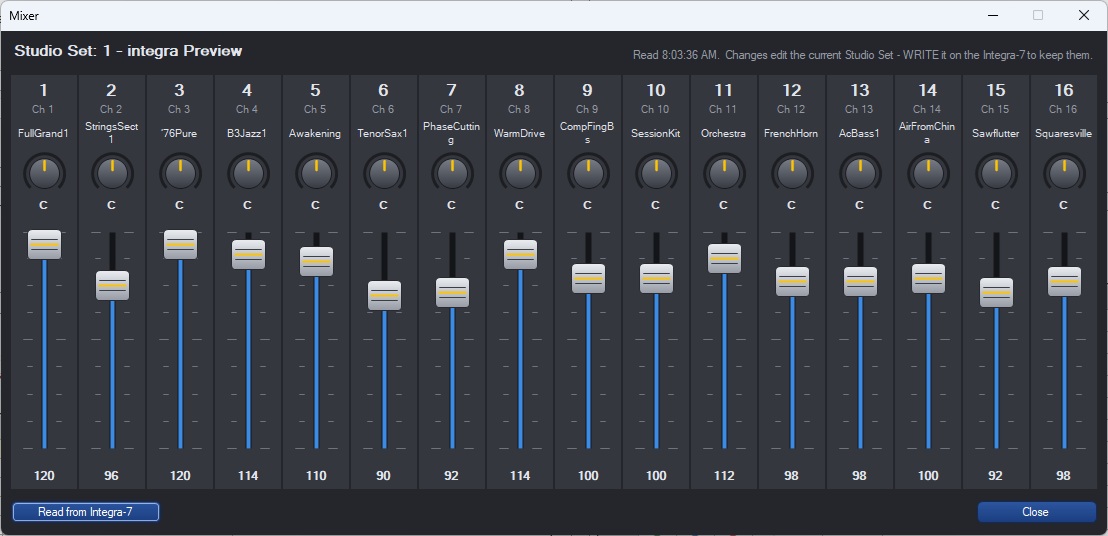
- 16-part Mixer — pan, volume, EQ, reverb, and chorus for every part in the current Studio Set
- User Studio Sets — create, name, copy and manage up to 8 personal studio sets (USER1–USER8)
- Expansion Slots — identify and load the Integra-7's four virtual expansion slots (A–D)
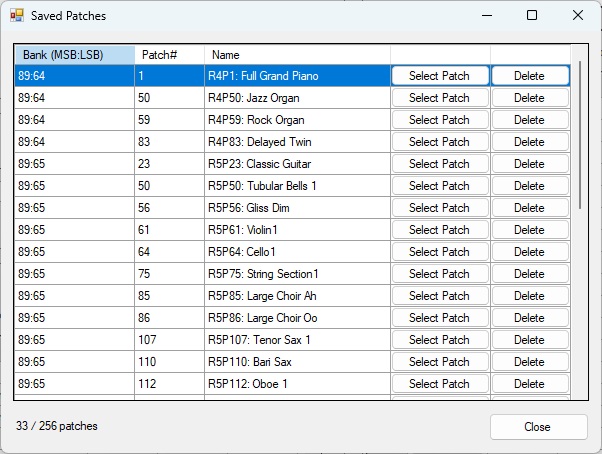
- Personal saved-patches list — up to 256 favourites shown as bankMSB:bankLSB patch# name
- MidiControl bridge — I7 button in MidiControl imports your saved patches into any bookmark
- Standalone — no other software required · any USB-MIDI or DIN-MIDI interface · 100% offline · no license key
▶ Integra7Control Video Tutorial V1.0 (old)
PDF
Integra-7 Sound List
📦 GitHub Repository
PDF
Integra7Control Help Guide
🔽 Download Integra7Control Version 1.4 installer (.exe)
Integra7Control installer's digital fingerprint / SHA-256 hash: F1AEE9F6B5D81FA82F8D75C51F25D5B202CB8C03CA62189370200288D03C27B6
What is a SHA-256 hash?
A unique 64-character digital fingerprint calculated from the installer file. If even one byte is altered — by corruption or tampering — the hash changes completely. Comparing it to this value confirms you have a safe, unmodified copy.
How to verify (Windows PowerShell):
Get-FileHash setupIntegra7Control-V1.4.exe -Algorithm SHA256
Compare the Hash value in the output to the fingerprint above — they should match exactly.